One ecosystem, multiple experiences

DLPulse in all your favorite formats

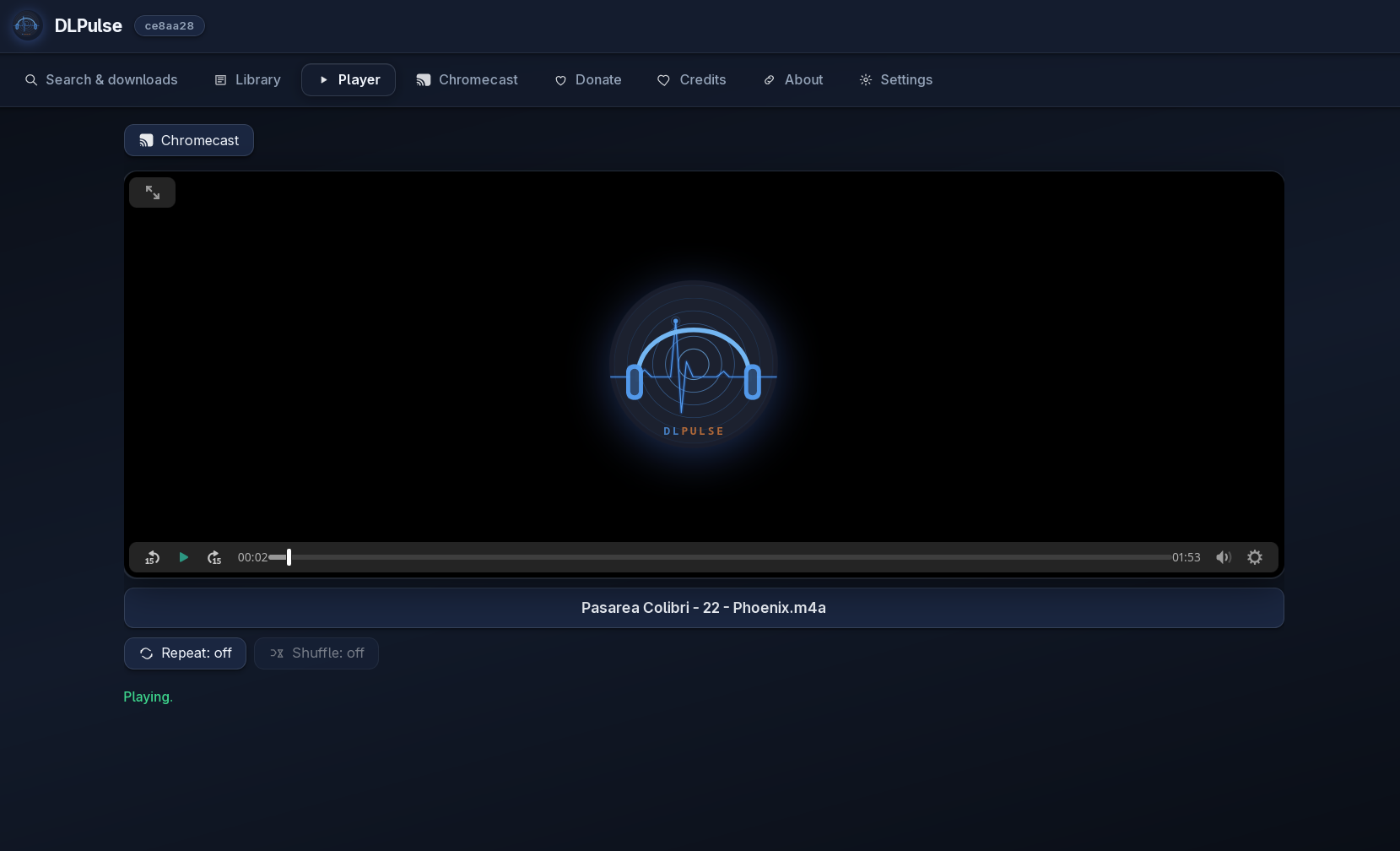
Terminal, desktop, automation, or mobile — for study, technical research, and a personal offline library. Editions wrap yt-dlp and ffmpeg; you choose supported public URLs and formats. DLPulse Next uses a native window (pywebview) on Linux, with installers for Windows and macOS.

DLPulse formats

Each edition is optimized for a different usage style.

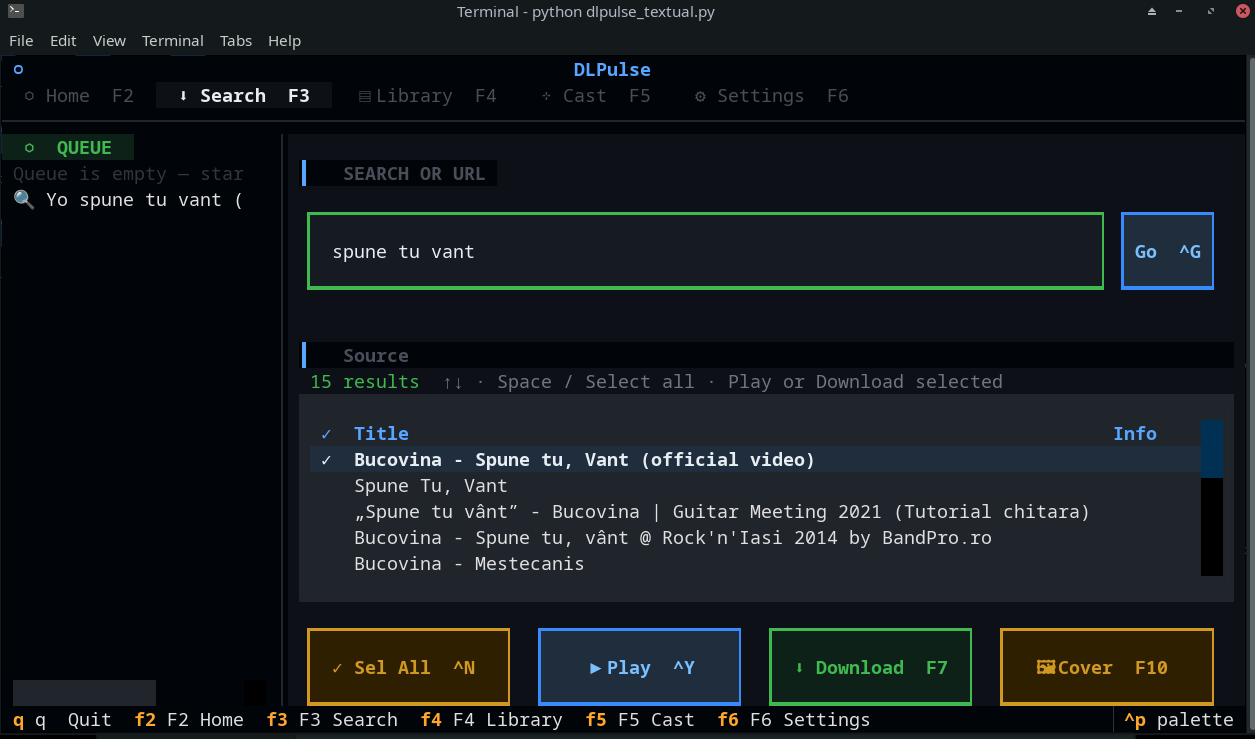
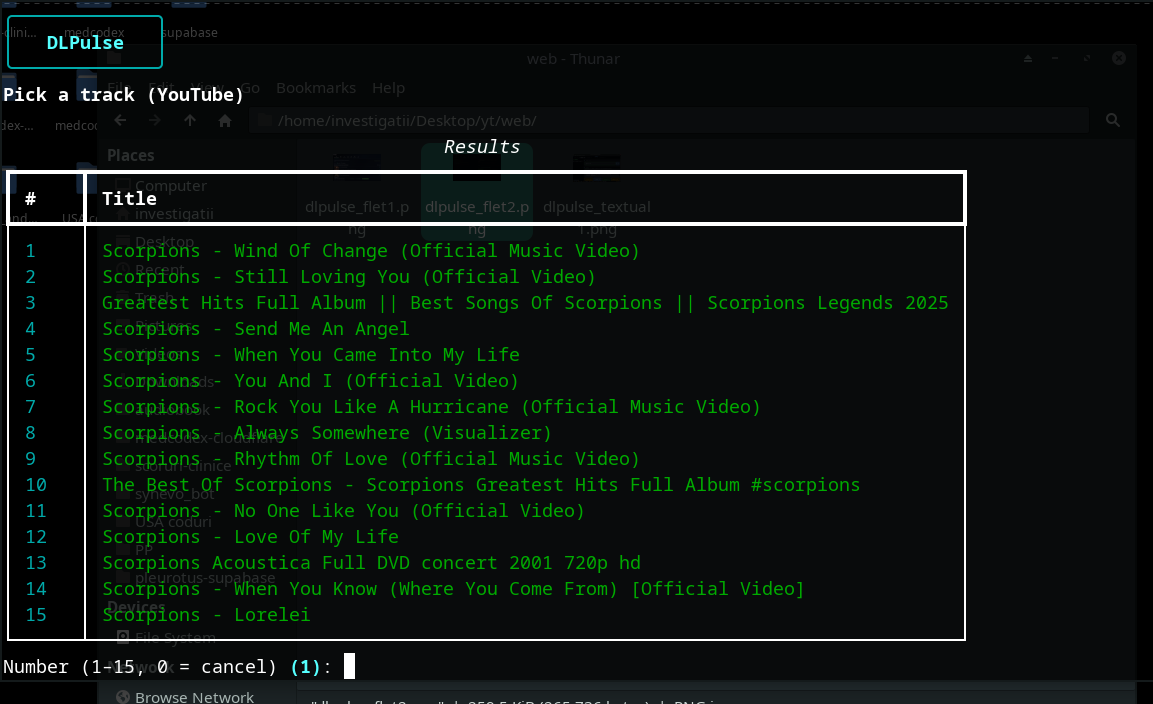
DLPulse Textual

Terminal-first TUI for study and personal archiving: keyword or URL input, yt-dlp/ffmpeg workflows, and shell-style library management.

GitHub repository

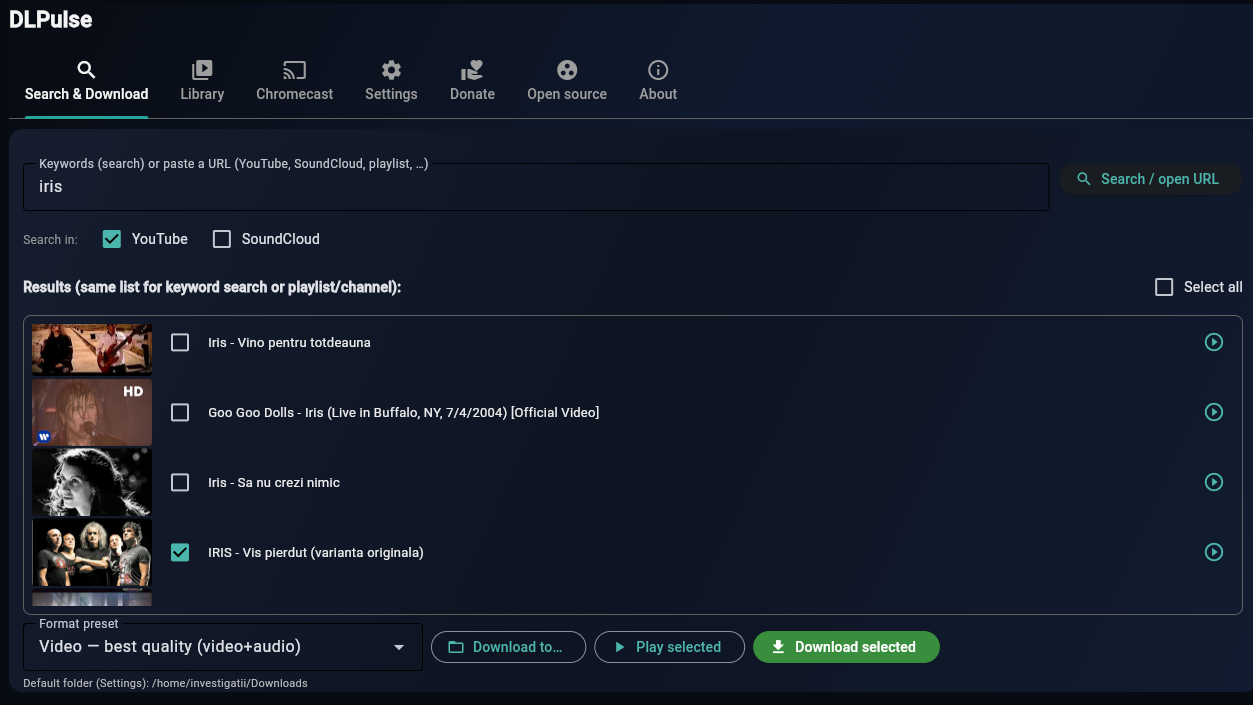
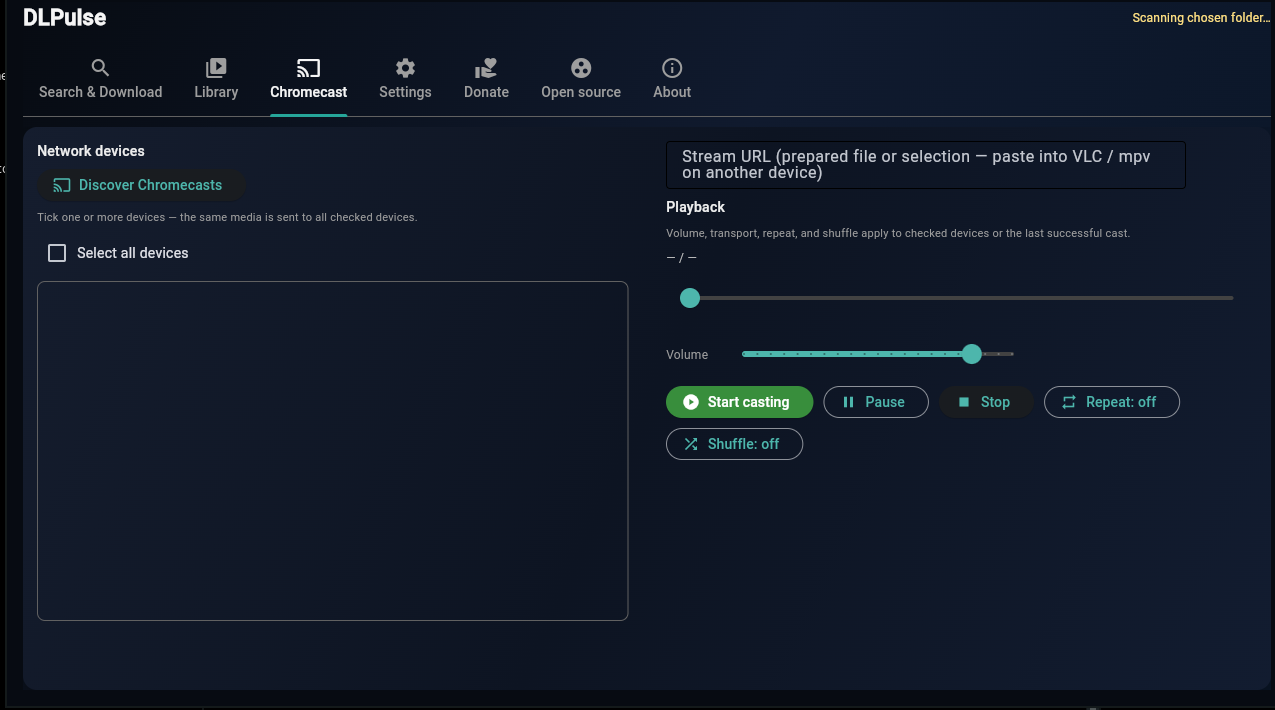
DLPulse Flet

Full desktop app (plus web/API in the project), with a graphical experience, local library, and Chromecast support.

GitHub repository

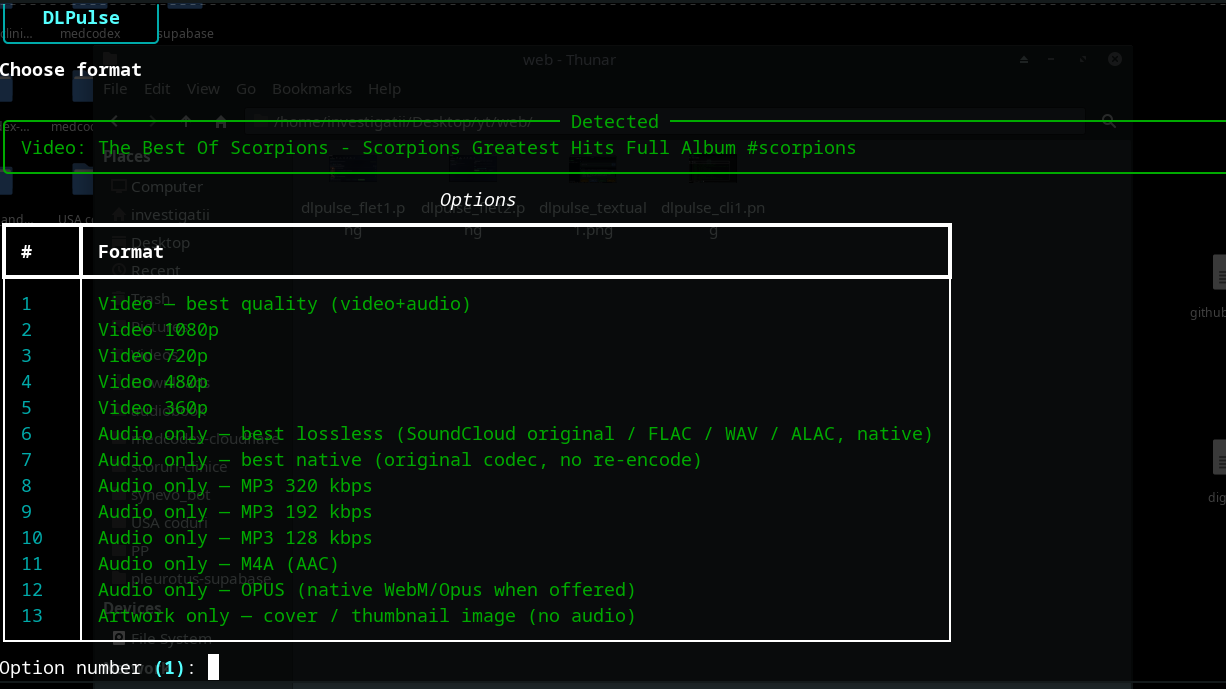
DLPulse CLI

Lightweight edition for scripting and automation around yt-dlp: resolve URLs, save media locally for offline study, and playback.

GitHub repository

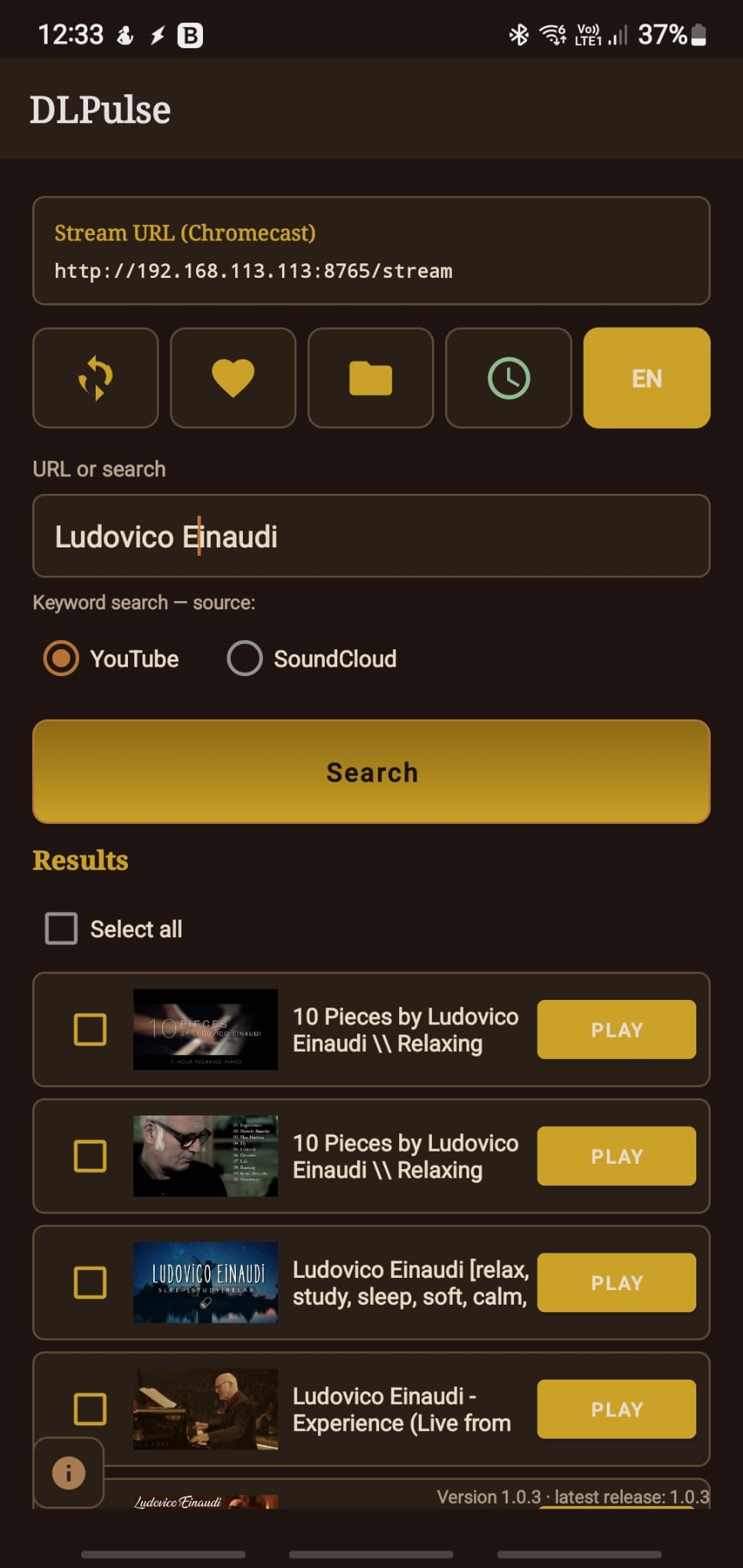
DLPulse Android

On-device yt-dlp / ffmpeg wrapper for educational use: URL analysis, local personal library, built-in player, and Chromecast casting.

GitHub repository

Install DLPulse Next

Pre-built installers for Windows and macOS. On Linux, install from source with your distro packages (GTK + WebKit + GStreamer).

Download releases Continuous build: DLPulseNext-Setup.exe (Windows), DLPulseNext.dmg (macOS)

Linux — Arch / Manjaro / EndeavourOS

Requires Python 3.11+. No Linux AppImage — use system WebKit for a stable native window.

1. System packages

sudo pacman -S --needed \
  python python-pip python-gobject \
  gtk3 webkit2gtk-4.1 gobject-introspection-runtime \
  gstreamer gst-plugins-base gst-plugins-good \
  mpv ffmpeg aria2

2. Application

git clone https://github.com/calvarr/DLPulse-next.git
cd DLPulse-next
python3 -m venv .venv
source .venv/bin/activate
pip install -U pip wheel
pip install -e ".[webview-gtk]"
dlpulse-next